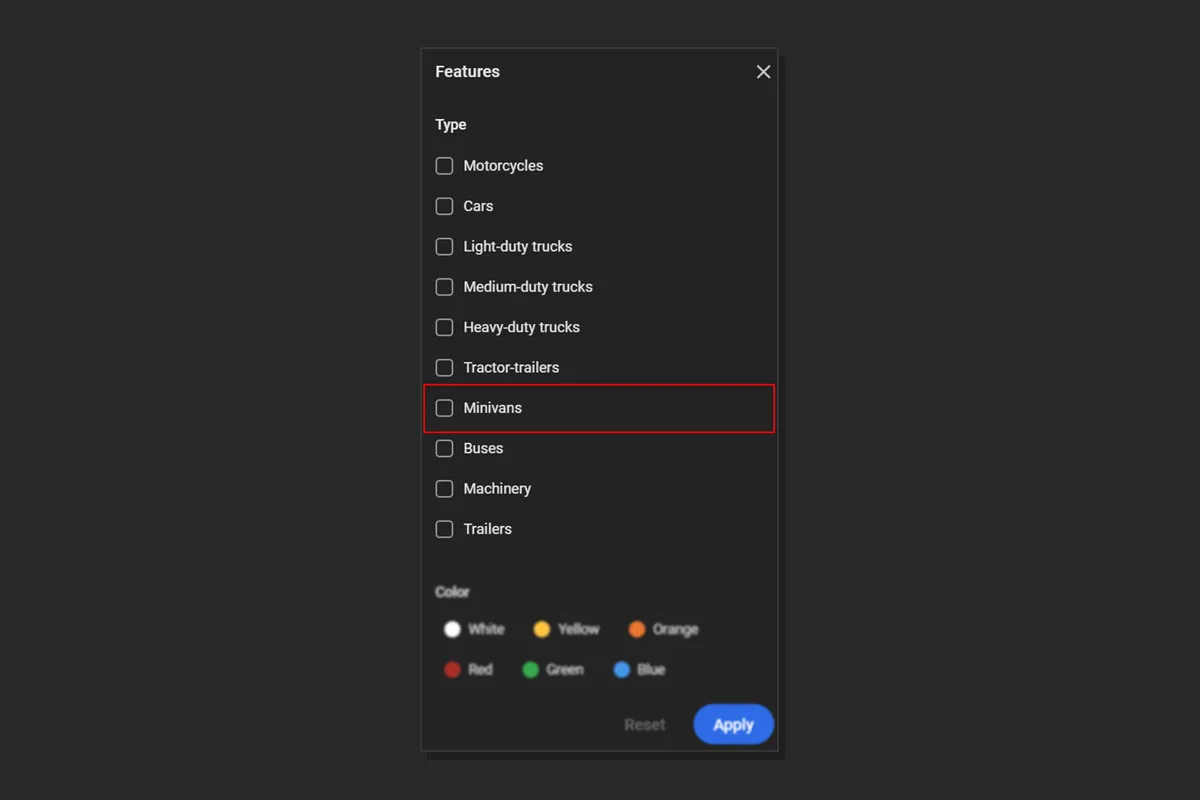
This release deepens Logbook search and export, adds frame-by-frame and reverse archive playback controls, introduces Minivans recognition in the CarTrack Pro module, broadens Apache Superset statistics, and streamlines camera settings and Alarm Monitor schedules.
New feature
Automatic Logbook Export to External Systems
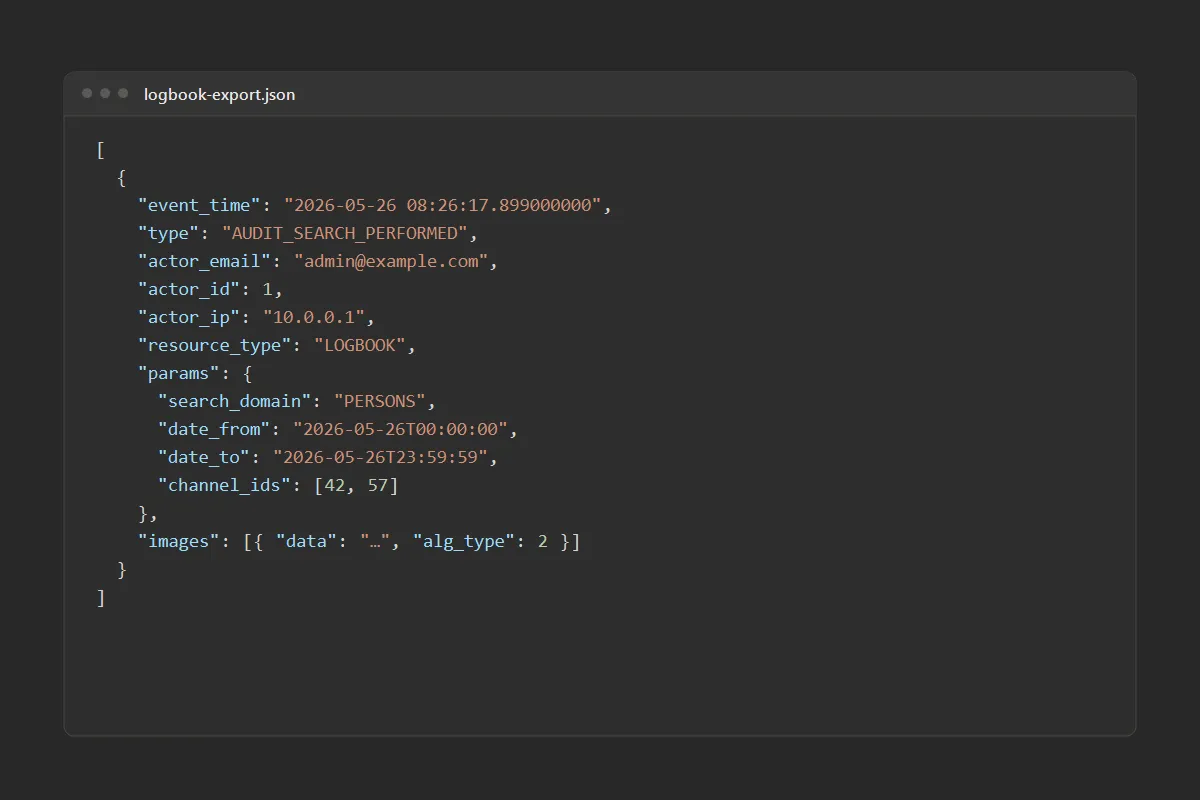
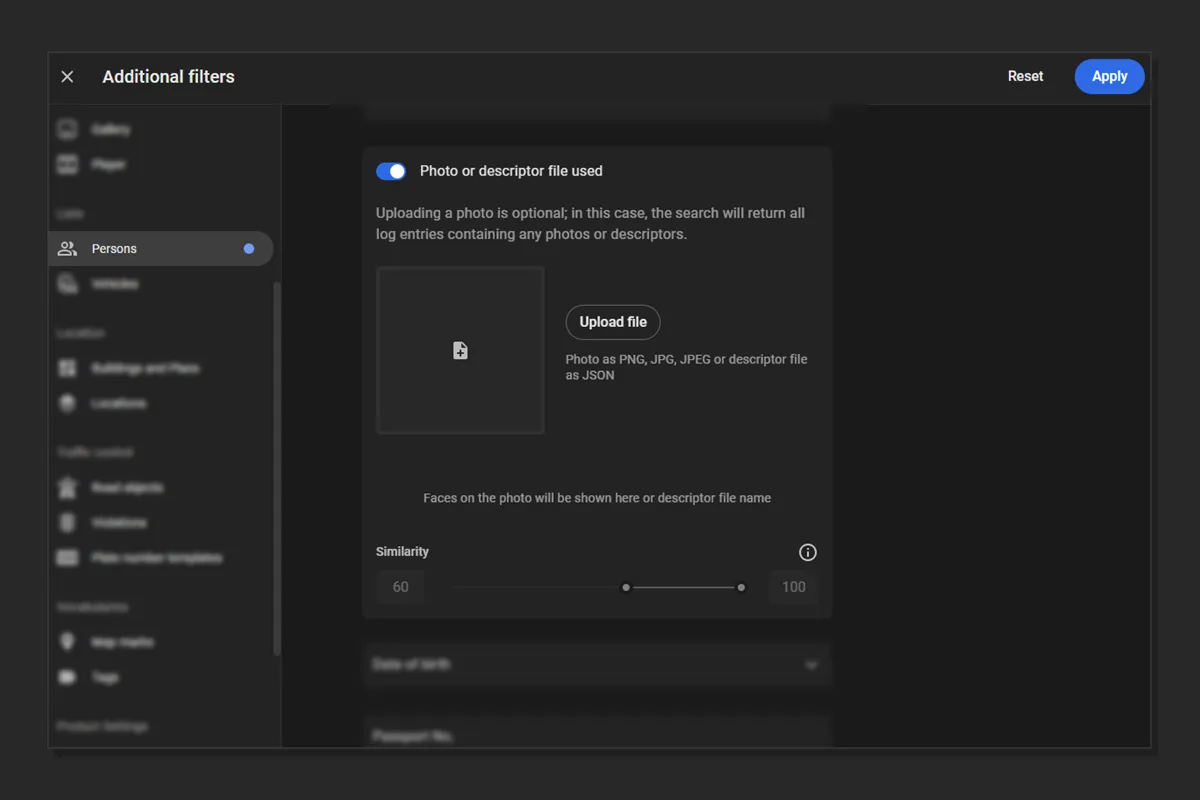
Automatic Logbook export provides information about user actions for access control and transfer to external monitoring systems.
Exports are written as JSON files in cluster storage, and external systems retrieve them. Cluster configuration sets who can access the files, which user group’s actions to include, which event types to export, how often exports run, and how long files are kept.
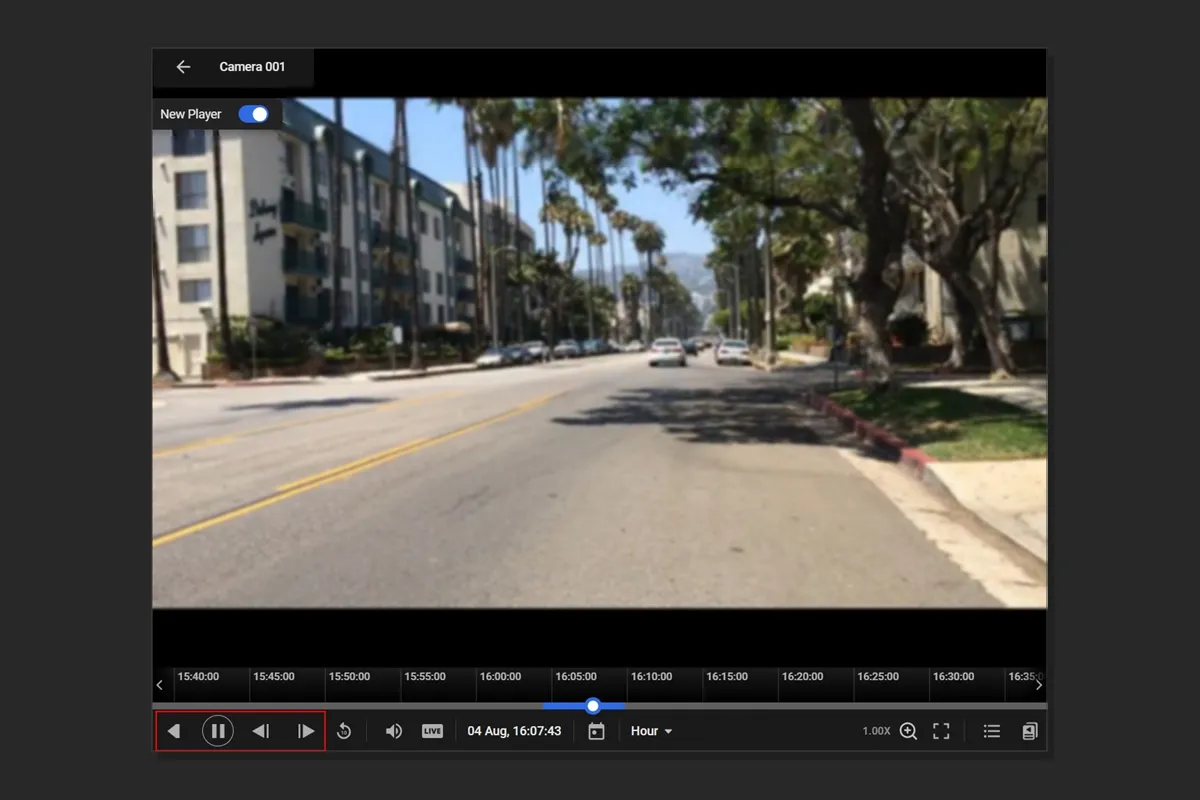
The player supports frame-by-frame navigation and reverse playback through the video archive within the playback buffer.
Frame stepping helps select the clearest frame near the current position, such as a better view of a license plate or face. Reverse playback makes it faster to find where an event started on a recently viewed segment.
Faster Navigation in Camera and Analytics Settings
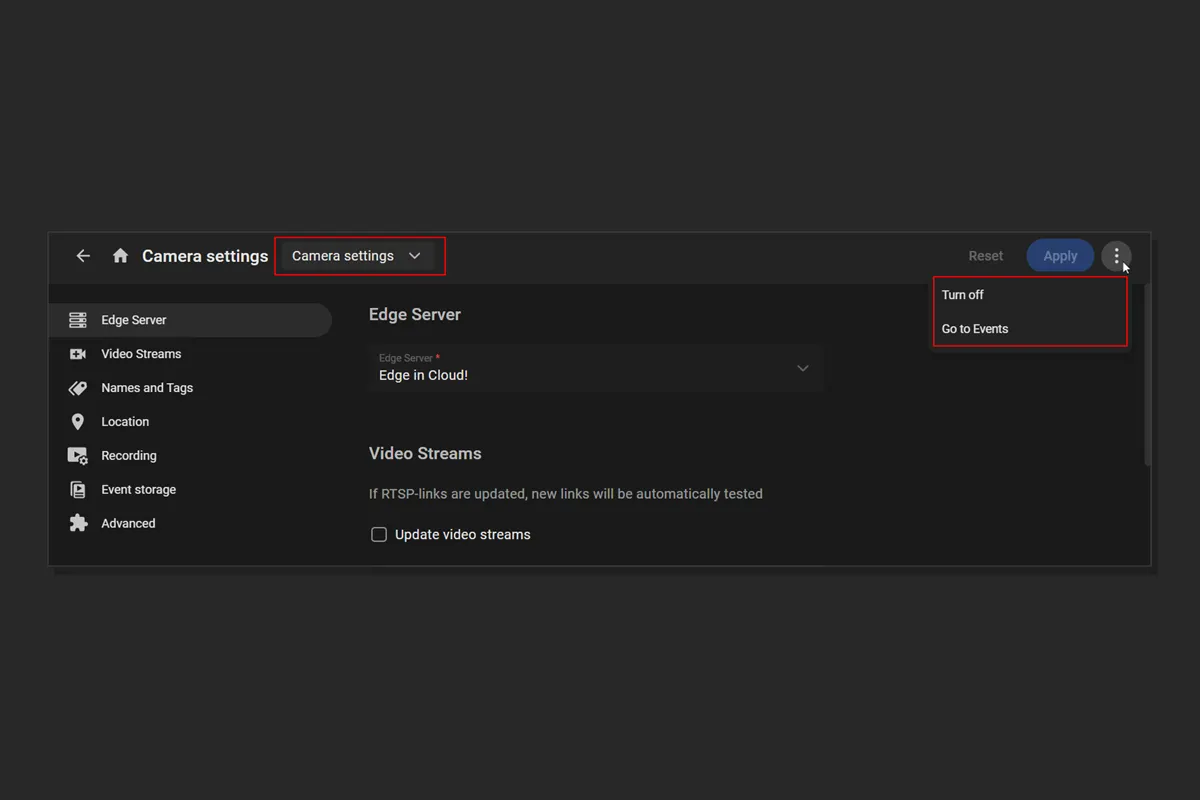
The Camera settings and Video Analytics settings pages support navigation between them and include Turn on, Turn off, and Go to Events actions.
The Video Analytics settings page also has a PTZ camera control panel — so common camera actions stay available while configuring analytics, without leaving the settings flow.
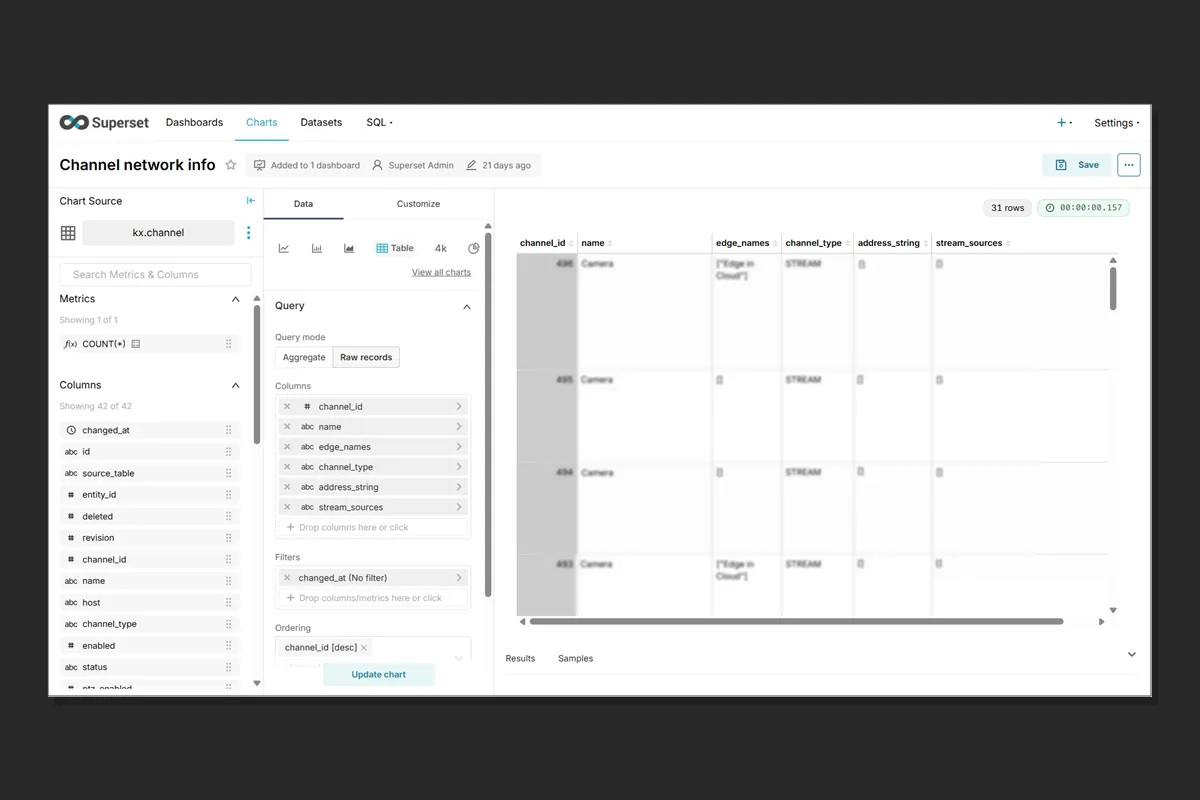
The Apache Superset integration can retrieve statistics for a wider set of platform entities.
Statistics coverage now extends to buildings, plans, resource groups, cameras, biometric terminals, alarm monitors, persons, vehicles, users, and user groups.
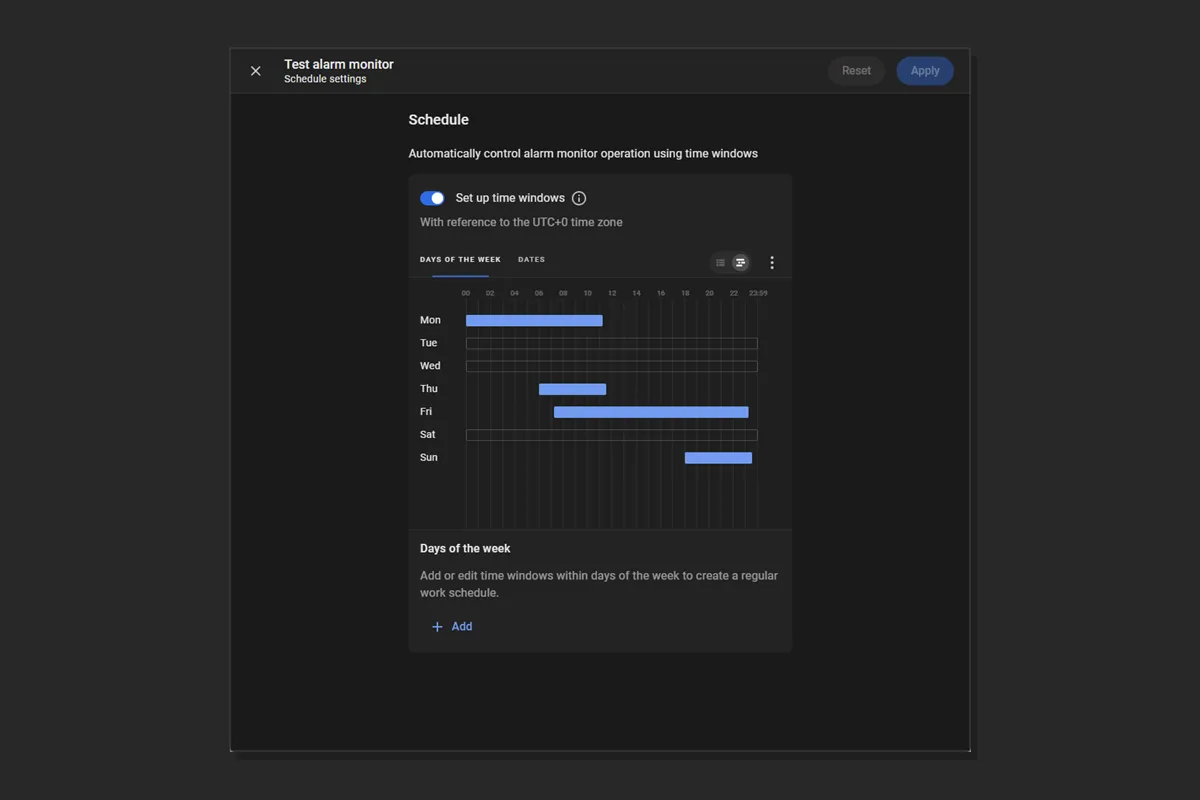
Alarm Monitor schedule configuration has a clearer design and workflow on the Schedule settings page.
The monitor operating schedule is set with time windows on the Days of the week and Dates tabs — a more structured way to define when a monitor should run. The Days of the week tab sets recurring weekday windows when the monitor is on; the Dates tab covers specific calendar days, and on those dates the weekday schedule does not apply.